The New ZSWatch 1.0 is Finished

It's been a while since the last update. I took a break over the summer, so not much happened for a few months.
The new ZSWatch 1.0 is here! The hardware is finalized. I expect to get the final build in a week or so, and since it only has a small change, I expect it to be the final one. The case is released and there is a full assembly guide. On the software side, a lot has landed since the last post: heart rate, power consumption improvements, animated watchfaces, voice replies to notifications, a Chat app, and a security audit and an accessibility review.
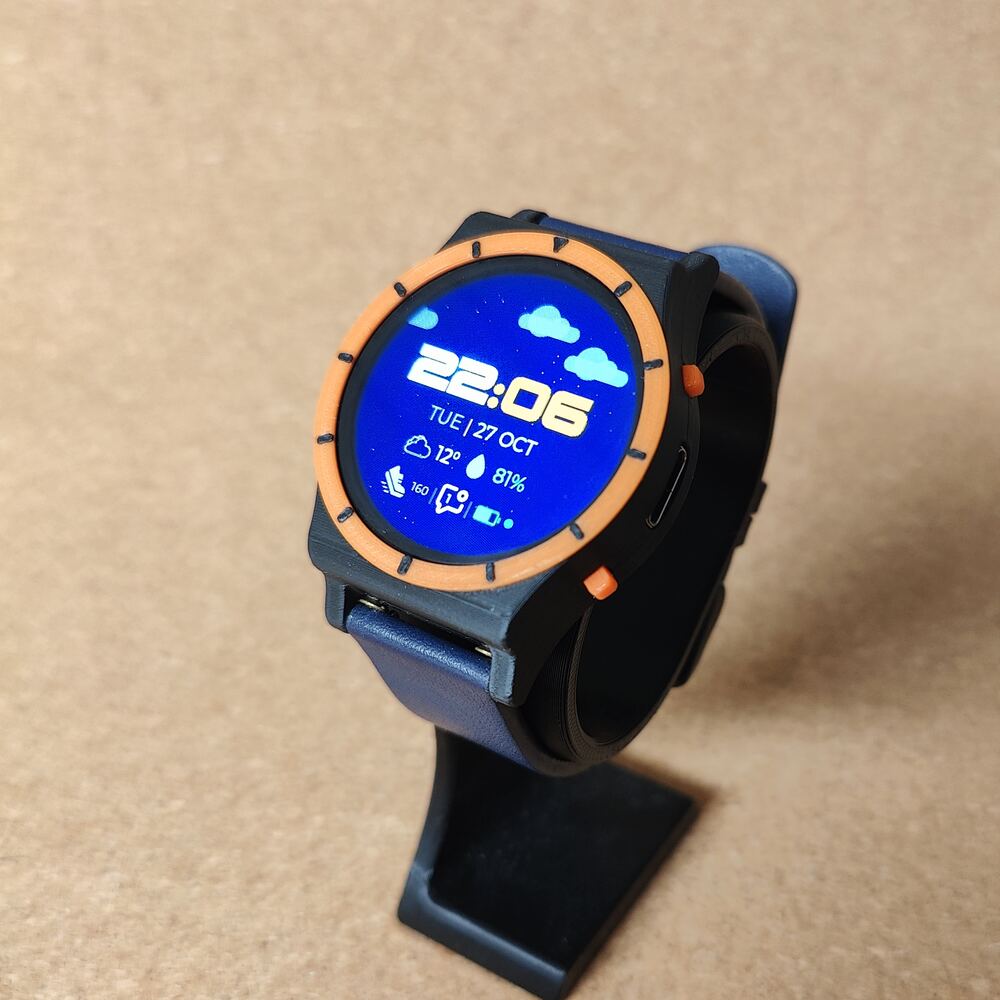
Let's break it down.
The Case and Assembly Guide
The case is done and released in the new Watch-3D repository, with STEP and print-ready STL files. Here are all the parts:
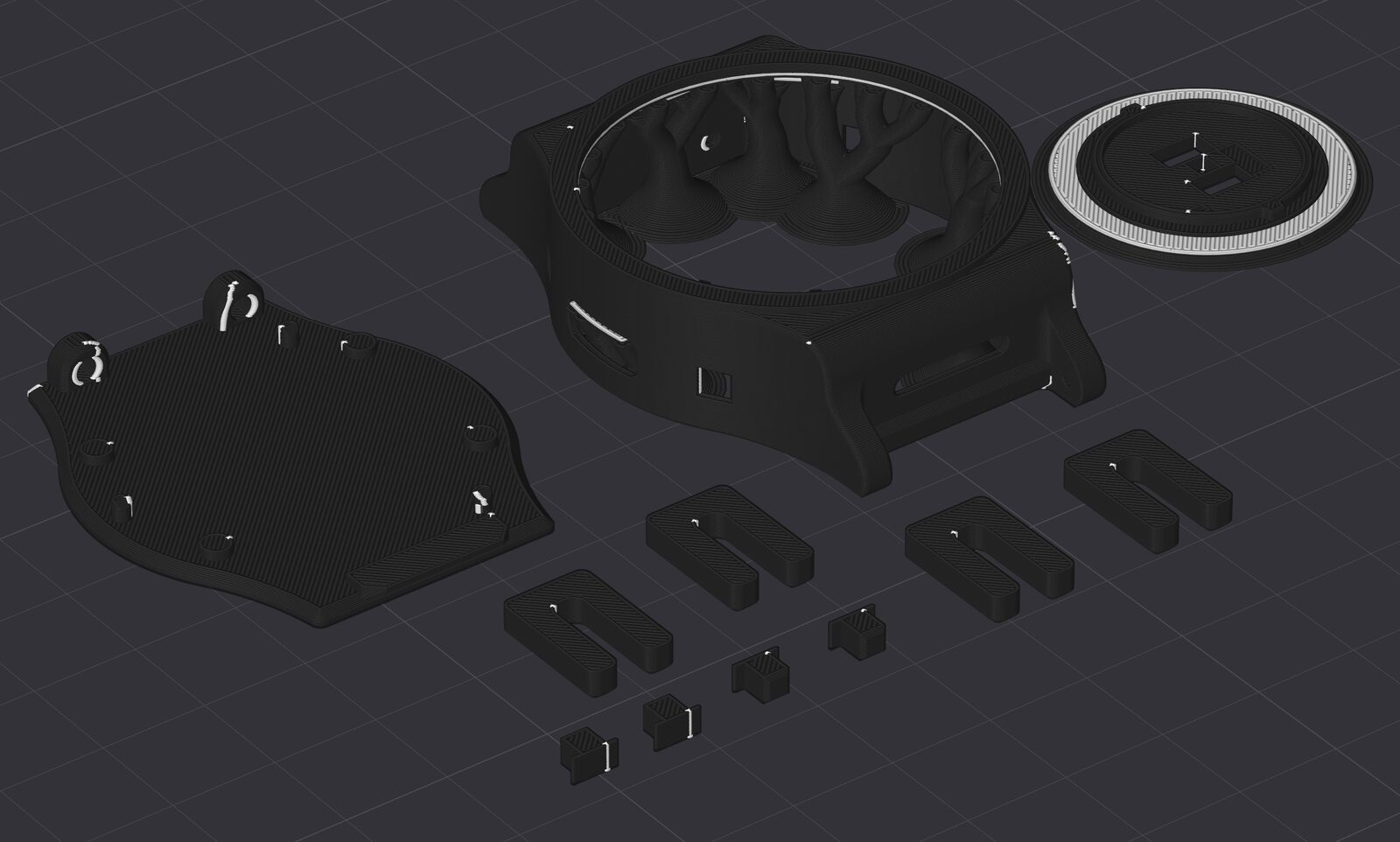
There is a new step-by-step Assembly guide with photos of each step. The Quick Start now covers both the ZSWatch and the WatchDK.
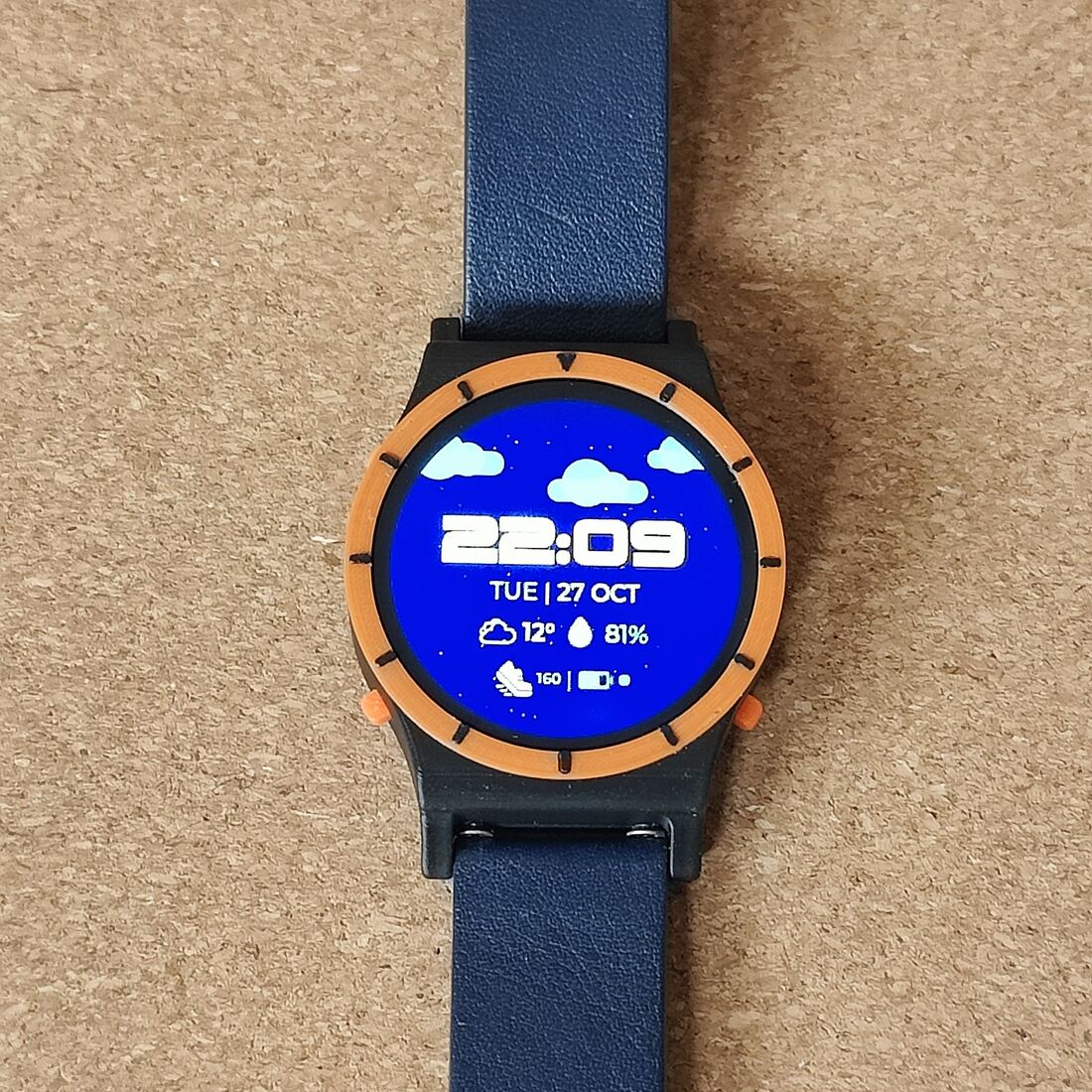
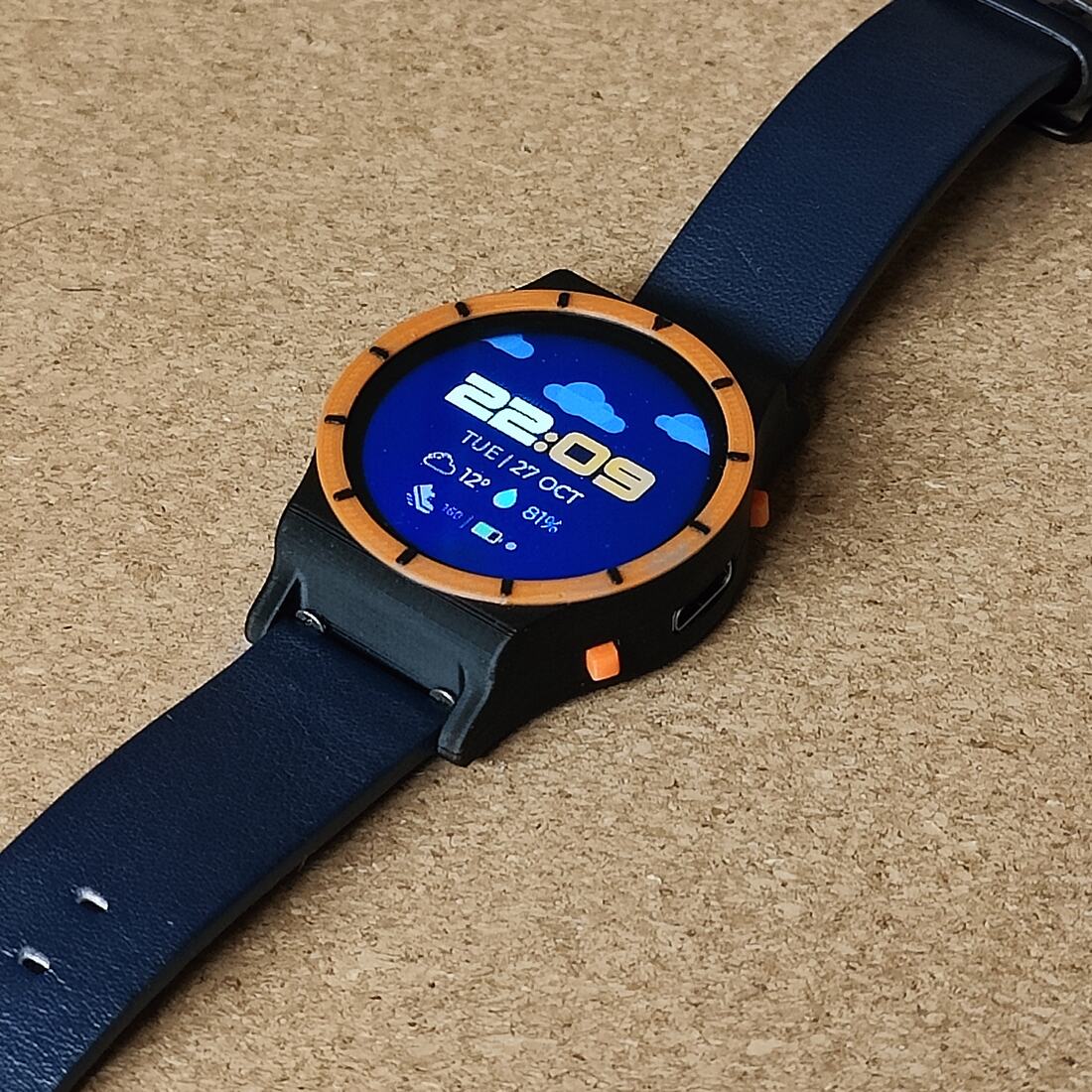
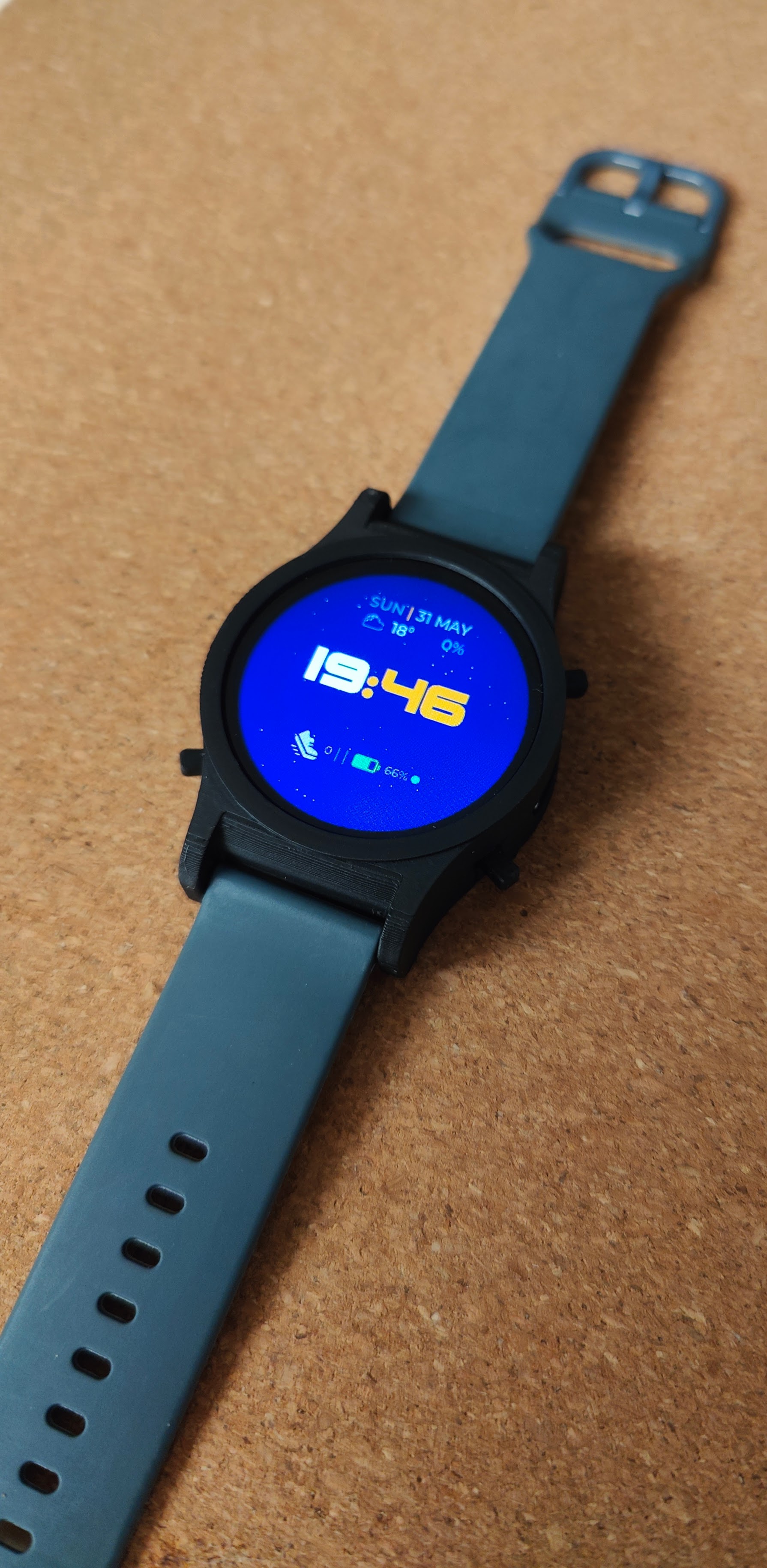
This is my first version of the case, and I'm working on a few more variants. The orange bezel and buttons in the photos are just an experiment with colors. You don't have to print it in orange, print it in any color you like.
Power Optimizations and Heart Rate
While working on heart rate power consumption I found and fixed some power leaks in other parts of the firmware, like a level shifter leaking current and the IMU running faster than needed when the watch is still. The watch now uses less than half the current when stationary.
Heart rate now has three modes:
- Off: no automatic measurements, only manual ones from the app.
- Background: measures every five minutes while you move, and stops after a good reading or 45 seconds.
- Continuous: measures all the time while you move, and stops when you are stationary.
Some numbers measured with a PPK2:
| State | Before | After |
|---|---|---|
| Screen off, inactive (no HR) | ~236 µA | ~161 µA |
| Stationary, display supply off (no HR) | ~200 µA | ~68 µA |
| Active HR measurement | 9.01 mA | 1.52 mA |
| Background HR (one 45 s attempt every 5 min, average) | - | ~541 µA |
Animated Watchfaces and Voice Replies
The watchfaces now animate when the screen turns on. A new watchface also animates the current weather: rain, snow, fog, clouds, stars and lightning. And you can now reply to notifications by voice: the phone transcribes it, and you check the text on the watch before sending.
Chat App
The microphone is getting more and more useful. The new Chat app lets you ask a question by voice. Long-press the top-left button from anywhere, even with the display off, and ask your question. The phone transcribes it, gets an answer from an LLM through OpenRouter, and shows the answer on the watch. Press Reply to continue the conversation. Chat needs the companion app.
 "Quick dinner idea"
 Reply: "Something without pasta"
Security Evaluation and Accessibility Review
Through NLnet we got a security audit by Radically Open Security and an accessibility review by the HAN Accessibility Lab. Both had some findings.
Security: the audit found eight issues, some more serious than others. All of them are fixed in #588.
Accessibility: the review had a list of points, and I implemented the ones that made sense for the watch, so the UI should now be a bit clearer in some places. See more in #587.
New Apps and Community Contributions
- Altimeter app by @elkanamol: altitude from the pressure sensor, history graph, floors climbed and descended, with calibration from location and weather.
- Hebrew and right-to-left text in notifications, also by @elkanamol, plus a fix so long notifications are never cut in the middle of a UTF-8 character.
- Queued popups by @elkanamol, so a popup is no longer lost when another one is showing.
- Icons for the app category folders by @david-buxton.
- Find device and looping vibration patterns by @HongNguyen635.
Memory Tracking with MemBrowse
@michael-membrowse added MemBrowse to our CI. Every PR now gets a comment showing how flash and RAM change on each board, like this one in #621. Both RAM and flash on the nRF5340 are close to full, so seeing exactly what a PR adds is really useful.
While setting it up he also found a mistake in our CMake files: the code, fonts and images from the LVGL Editor were supposed to go to external flash, but never did. Fixing that in #590 freed up about 74 KB of internal flash on every board. Thanks!
You can also browse the full memory history for the ZSWatch build. The person behind MemBrowse also wrote a LinkedIn post about it.
Companion App Update
The companion app got a big rewrite. It is built with Flutter, but the OS kills the Flutter VM when the app is in the background, so it can't keep talking to the watch forever. All the background communication with the watch now lives in native code on both iOS and Android, while the rest of the app is still Flutter. This makes the connection a lot more reliable. New in the app:
- Chat and dictated notification replies (see above).
- Voice memos processed with OpenRouter by default, with on-device processing still available. The app asks before sending any voice data.
- Manage voice notes, and choose which apps forward notifications.
- New first-run setup with clear permission cards.
- Download firmware from CI builds.
What's Next
Now that the watch is done, the most important next step is finding a good place, for example Elecrow, where people can order the watch in an easy way. The other part is making the required parts easy to source, by giving many options for each part.
I'm also working on more case variants, and the companion apps keep getting updated often. Get them for iOS and Android (Android needs an invite for now, so reach out).
Want to stay in the loop? Subscribe below for updates!